
Double your reach with minimal effort? YES, please! Instagram rolled out a feature called “collab” and it allows you to create ONE piece of content and put it on TWO profiles. This means that you get in front of both of those audiences in one fell swoop. Let’s talk about how to use the collab feature on Instagram!
Why Use the Collab Feature
Using Instagram’s collab feature means your content goes in front of TWO audiences. Both profiles get the likes, comments, saves, shares – all of that interaction goes to both pages. It automatically puts that content in front of more people, so this is a very powerful tool!
Getting Started by Finding Partners
Want to get started? Grab a sample message you can send to others in your niche, or (even better) a parallel niche:
“I was wondering if you would be interested in doing a collab post with me, since our audiences parallel so nicely.
If so, all I would need from you to create the post is..
a) a headshot
b) a short tip or mini tutorial that highlights your expertise, that my audience would also like. (For example..)
Does that sound like something you would be interested in?“
Not sure who to reach out to? Brainstorm people you follow that post content your audience would also enjoy! I would recommend people who speak to a similar group that you target, but not necessarily a competitor. For example, if you focus on upper elementary math resources, you might reach out to someone who primarily creates upper elementary ELA, because while there’s likely an overlap in your audience, you’re not going to be competing for sales later.
I would recommend reaching out to 5-10 people. This way, you can gauge interest, and if someone doesn’t get back to you, it’s no big deal. If you’re part of a Facebook group of TPTers, you could even put up a post with a similar message. Just be sure you are clear on who your ideal client is in the post because you want this to be a tool to reach more of your person, not just anyone!
How to Use the Collab Feature on Instagram
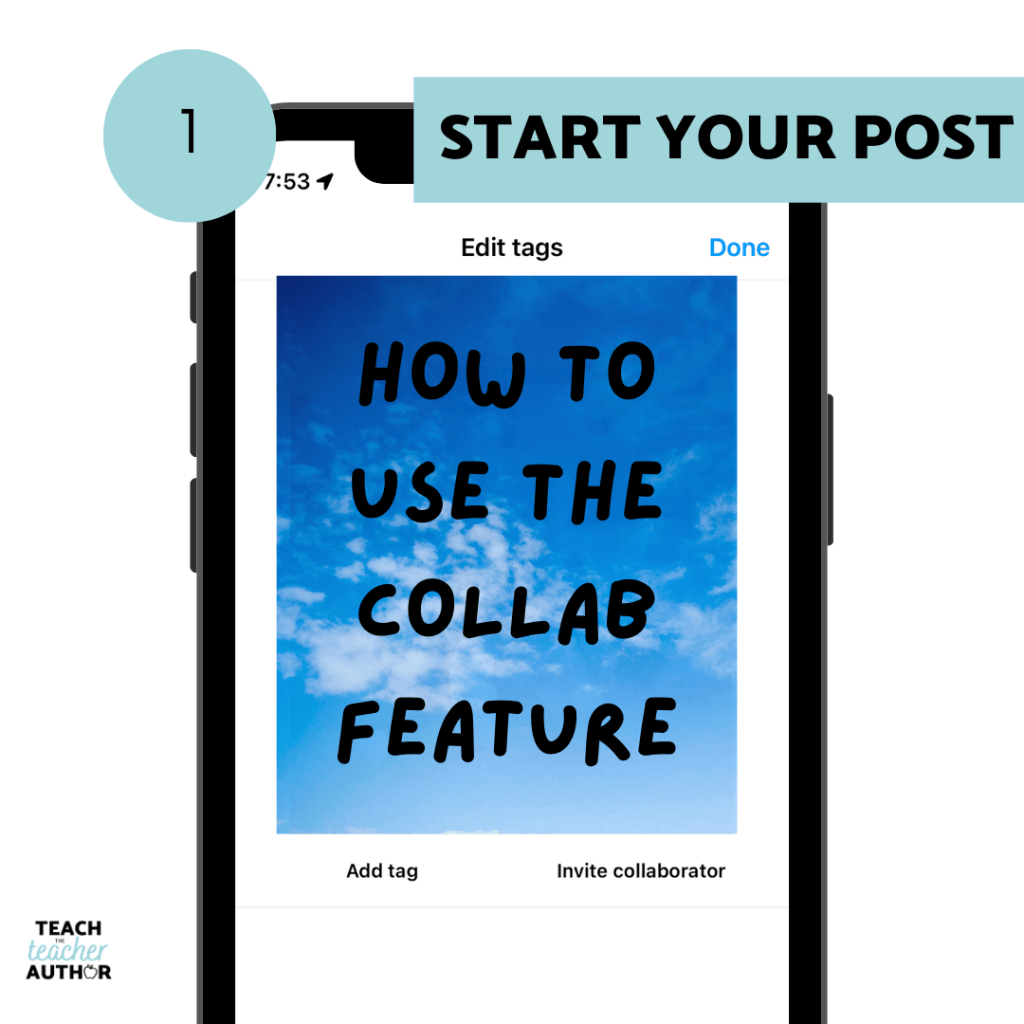
First, start off like a normal feed post.
Then, select “Invite Collaborator”
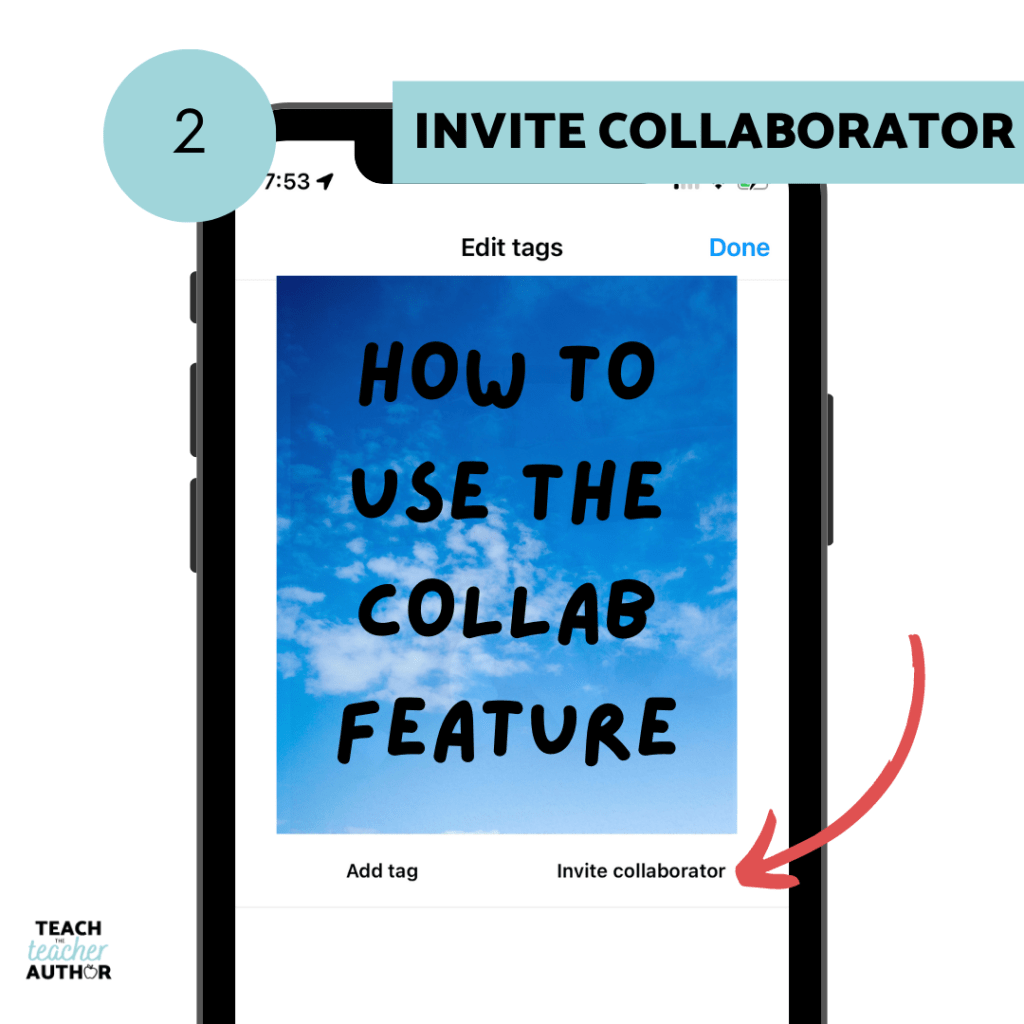
Search and select the person you want to invite. They will get a notification on their end to accept your invitation!
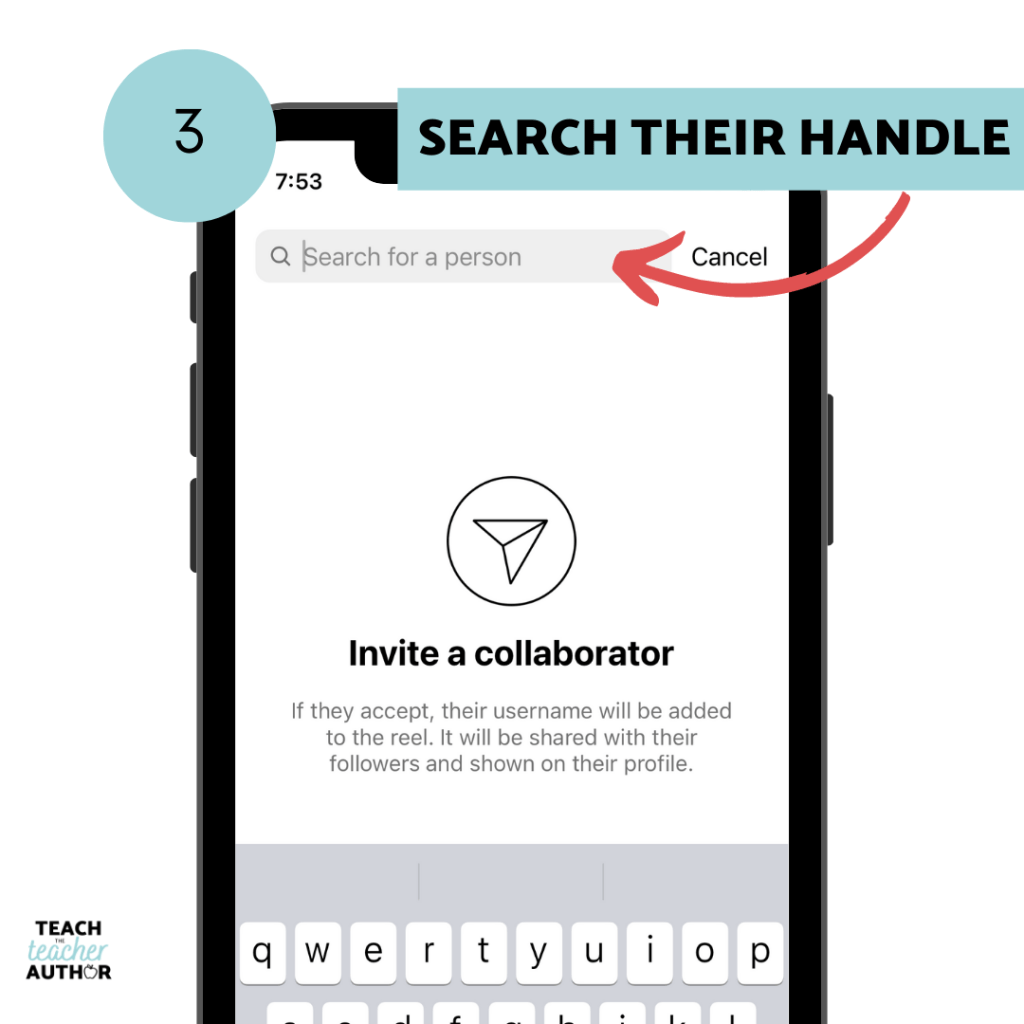
It’s important to note that the collab won’t be “live” on both pages until the invited account accepts. It will go live on the first account right away, but the benefits from being on both profiles won’t start until the invitation is accepted, so when you’re planning a collab, make sure both people are okay to click a few buttons on their phone when the post is supposed to go up!
Check out these examples!
Not sure about how this could look? Here are a few collab posts I’ve done in the past:
In the above examples, two experts with a similar audience shared helpful information about a topic both of their audiences might be interested in.
Are you going to try out this feature?
It’s a great option to increase your reach and grow your account – all it takes is a little planning! What do you think?

 Teach the Teacher Author