
We’re going to chat about 7 different options to get you started with short form video! These are low stress ways for you to market on several platforms such as Instagram (Reels), TikTok, Pinterest (idea pins), Facebook (Reels), and YouTube (shorts)! That’s a LOT of bang for your buck when you think that one piece of content could go to 5 different places and help get your products and ideas in front of more people. So what’s stopping you?
What is short form video?
Short form video is exactly what it sounds like – a video that is shorter, and more easy to consume. The various platforms have different length rules, but for the purposes of this post, we’ll be focusing on content that is 15 seconds or less in length. Many short form video platforms allow you to add music or use audio from other videos. You can also simply use your own voice, but I’m getting ahead of myself.
7 Ways to Create Short Form Video
1. Stock Video
Use stock video footage behind a quote, tip, trick, hack, or any graphic that you might have already planned for your posts.
You can grab stock video footage on sites like Canva or Pixabay, and of course it’s available for sale online as well.
Visit my free Facebook group Instagram for Teacher Authors to learn more about developing your own personal stock footage library!
2. Animate
Click the animate button to turn an image into a video. Programs like PowerPoint and Canva have this feature available as you are creating your content.
3. Timelapse
Use the timelapse setting on your phone to capture the action while you’re working. This is great while you’re completing a resource for product photography, hanging up a bulletin board, or even just while you’re sitting at your desk.
Use the footage as you would a stock video, and add a quote, information, or any message you would like to communicate to your audience on top of the footage.
4. Pan Over
Lay your product out like you were going to take a photo of it and instead, simply move your phone over the product to capture the footage. I recommend moving relatively slowly, about 5-6 seconds one direction.
TIP: Hold your arms tight to your sides to remain as steady as possible, and don’t drink too much coffee beforehand!
5. Flip Through Pages
Print your product and film yourself flipping through the pages. This can be as quickly or as deliberately as you would like. Give your audience a sneak peek of what’s inside the download!
6. Excerpt of a Longer Clip
If you create long-form content, repurpose that into a shorter clip. If you’re on YouTube or doing Lives on Instagram or Facebook, pull out a chunk of the video to re upload in the different format. If you are on a podcast, I’d recommend using a tool to help make it more visually engaging. Search “audio visualizer” to get an idea of what’s out there!
Repurpose blog posts by sharing short lists, or even just recording yourself sharing a tip you wrote in the blog post!
7. Story Style
Already a fan of Instagram Stories to connect with your audience? Why not give that same value to a wider audience by sharing it as a short-form video! A “story style” video is one where you are either talking to the camera straight on, or sharing some behind the scenes footage of what you’re up to. If you were already going to post it as a story, consider downloading it and posting it to the Reels feed as well.
Below, I’ve shared a screenshot from my Instagram Insights page. This is for a 30 day window of time.

Look at that difference!
Both Reels and Stories were posted during that window, but Reels reached far more people, both followers and non-followers as you can see from the key at the bottom of the image.
While there are times I do just post to Stories, if the content is relatable, entertaining, educational, or valuable to your ideal person, post it as a Reel as well.
Get Started with Short Form Video
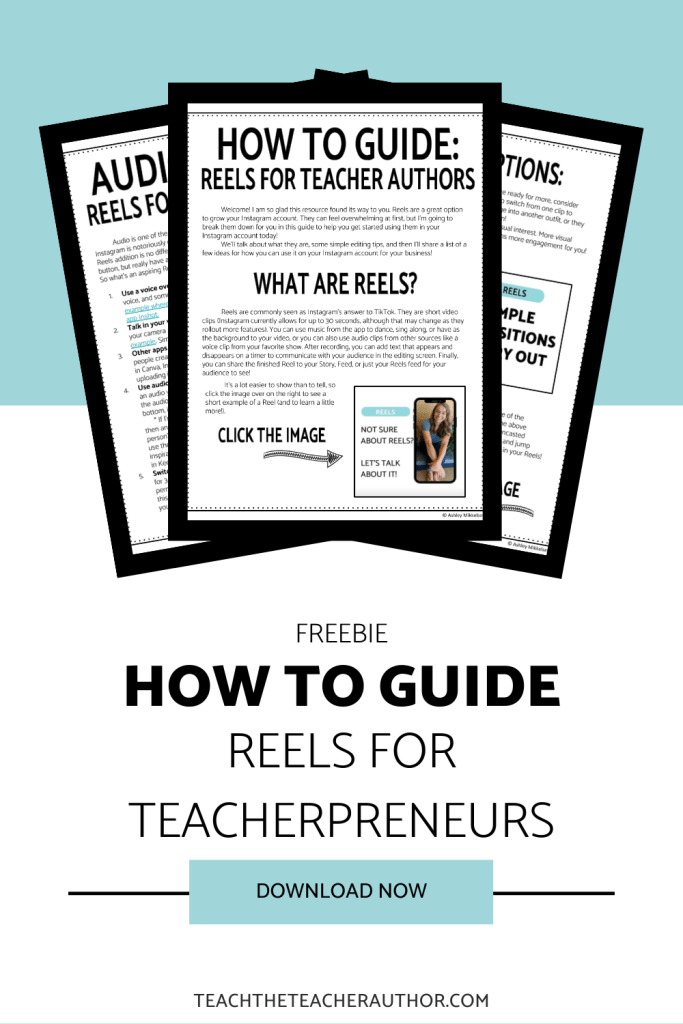
Need more help? Check out my free how to guide!

 Teach the Teacher Author