
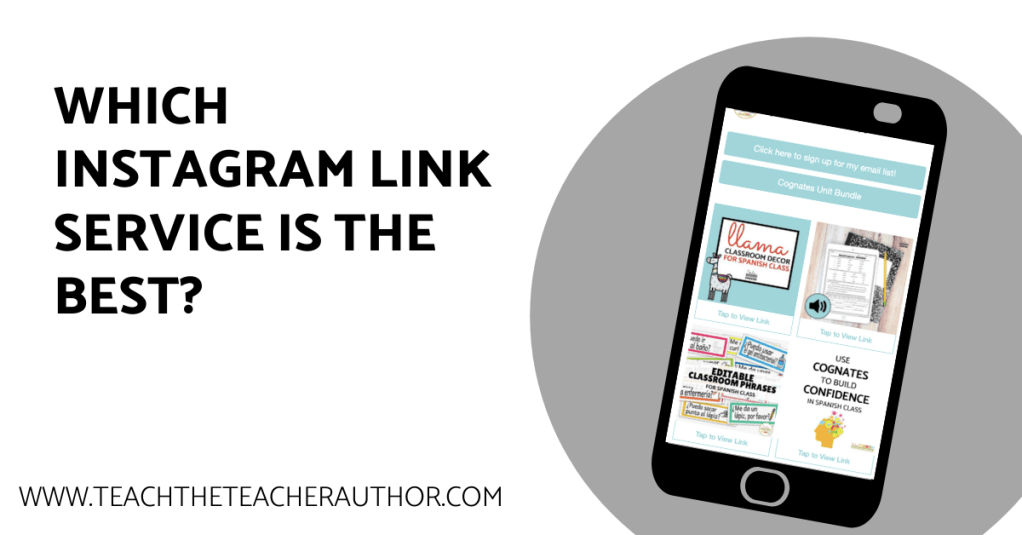
Are you using Instagram to connect with your audience? It’s an amazing tool to build your community and authority in your niche, but it’s important to remember that Instagram is not the end goal. You need to direct traffic from your Instagram and get the most out of your Instagram bio link!
Instagram only allows you to put one link in your profile so you need to make sure you are optimizing your Instagram bio link to make sure you direct your traffic where you want them to go! We’re going to look at a few different options available for your bio link so you can compare and choose which works best for you!
This post contains affiliate links, which means if you click through and purchase something using my links, I receive a small commission at no additional cost to you. Thank you!
Linking Directly to Your Own Site
The first option is to build a page on a website you own that is essentially a directory of links.
Pros: Increase your own site traffic, branded page, no extra cost to you
Cons: Generally a list of text links, although you could build in the visual links with a little tech, must have your own site
Linktree
Linktree is a site that allows you to create an unlimited number of links. You don’t have to have your own site to use this service, you can choose from a few different themes, and they give you some limited data on link clicks and things like that!
However, you are tied to Linktree’s logo being displayed on your page unless you update to premium for $6 USD/month.
Pros: Simple to use, free version available
Cons: Not your own branding, text links only
Smart.Bio
Smart.Bio is another option that allows you to create an unlimited number of links. You don’t have to have your own website, but you can customize it to fit your branding easily. Your audience will see your profile picture and name as you have it on Instagram, and you can change the colors of the link to match your brand. Check out this example:
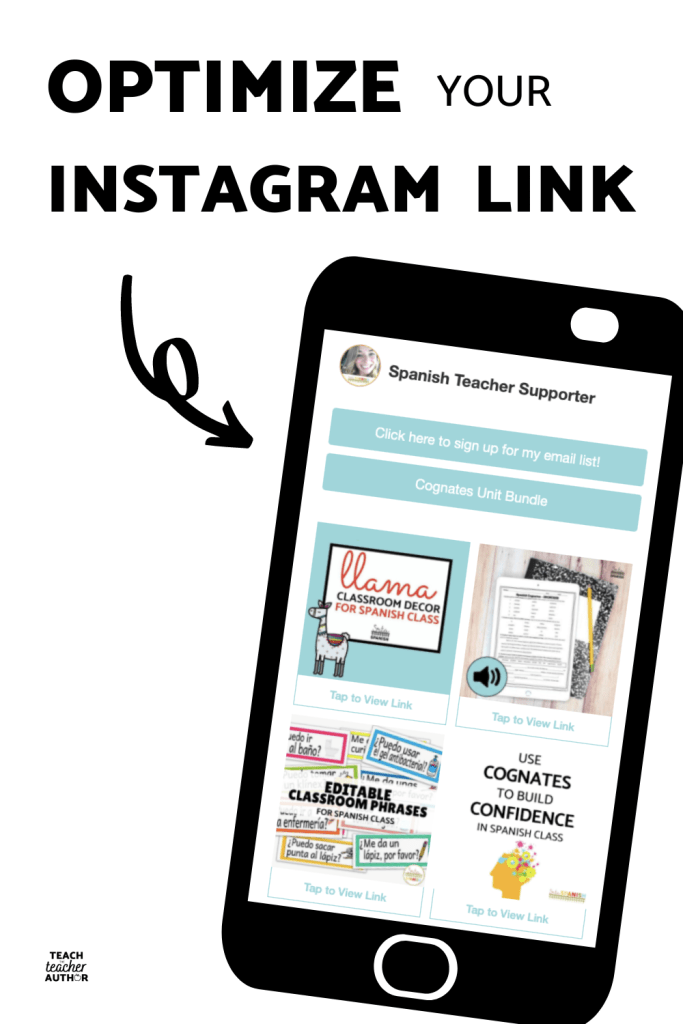
The thing that I like most about Smart.Bio over the other options above is that it allows you to add links that are connected to your posts! When someone clicks the link in your bio, they will see the image from your feed, which makes it much easier to find what they were looking for, along with text links.
Pros: Free, branded, visual as well as text links
Cons: ?? (I thought about this, I really did. I couldn’t come up with any!)
Optimize your Instagram Bio Link
Whichever option or service you choose, you need to make sure you’re using it to full advantage. The bare minimum is making sure you have the link in your profile! Want to learn how to do more with it? Sign up here for a free email mini course on how you can direct your Instagram audience to your link and make the most of it!

 Teach the Teacher Author
3 thoughts on “Which Instagram link in profile should you use? (and why!)”